
Problem
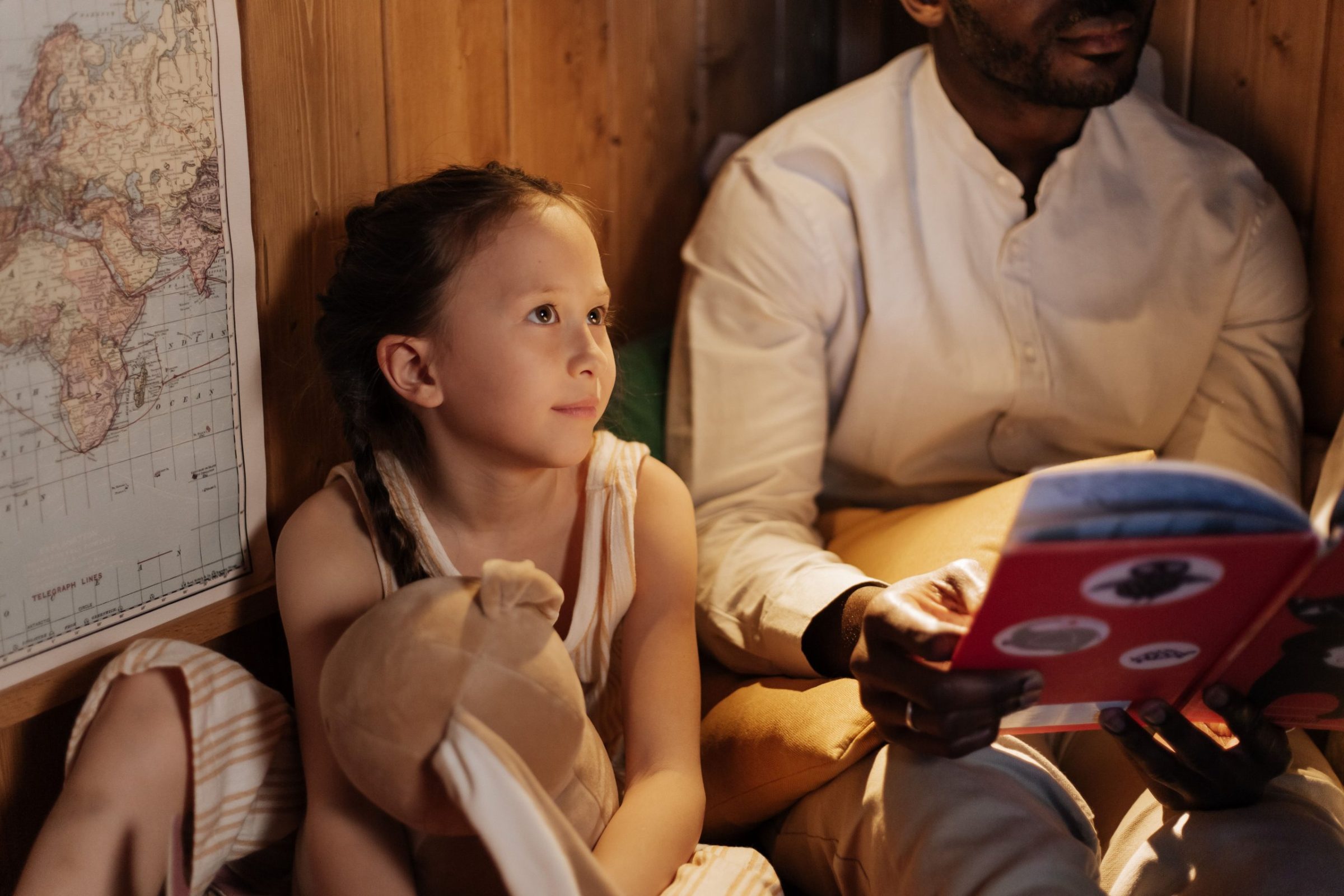
When a child hits a word they do not know, they guess, skip it, or quit. Mostly because stumbling out loud in front of someone is embarrassing. And no one around them sees it happen.
Evidence
Three numbers behind the problem, and the reason Pippa is a projected companion and not another screen.
0%
of U.S. fourth graders read below grade level.
0%
of 13-year-olds still read for fun every day.
0.00%
letter-recognition gain with an AR lesson. The same lesson in 2D gained 0.00%.
Sources: NAEP 2024, NCES, APA PsycNET 2021. The AR figure comes from a classroom study of letter recognition, not from Pippa.
Personas
Maya, Dana and Ms. Bennett are the personas Pippa is designed around: the child who reads, the adult who reads with her, and the teacher who sees her at school.
Persona · The reader
Maya
9, fourth grade
Reads at or below basic. Guesses, skips, or quits at a hard word, because stumbling out loud is embarrassing.
Persona · The caregiver
Dana
37, Maya’s mom
Works full-time. Read aloud every night until Maya was about five, then assumed she could read on her own.
Persona · The teacher
Ms. Bennett
41, Maya’s teacher
Twenty-one students and no time for one-on-one. Cannot see who is stuck on what.
Insight
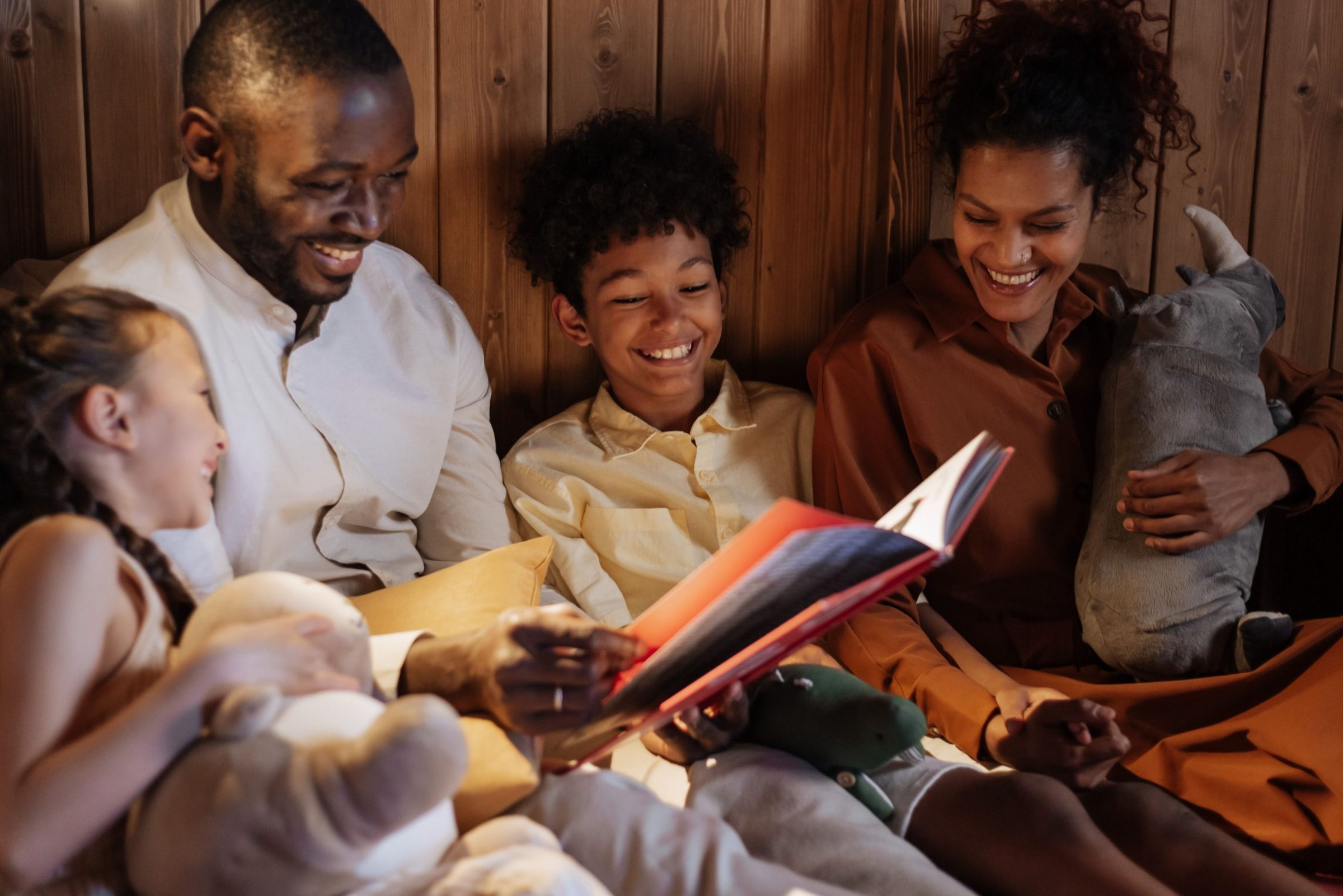
Maya quits at the hard word. Dana cannot always be there, and feels guilty about it. Ms. Bennett cannot see it. One pain, three people.
Purpose
Strategy · Three rules
Win first.
Every check-in opens on progress.
Names, not scores.
“garden”, not 72%.
One clear action.
Every screen ends on one next step.
No streaks. No timers. No missed days.
System
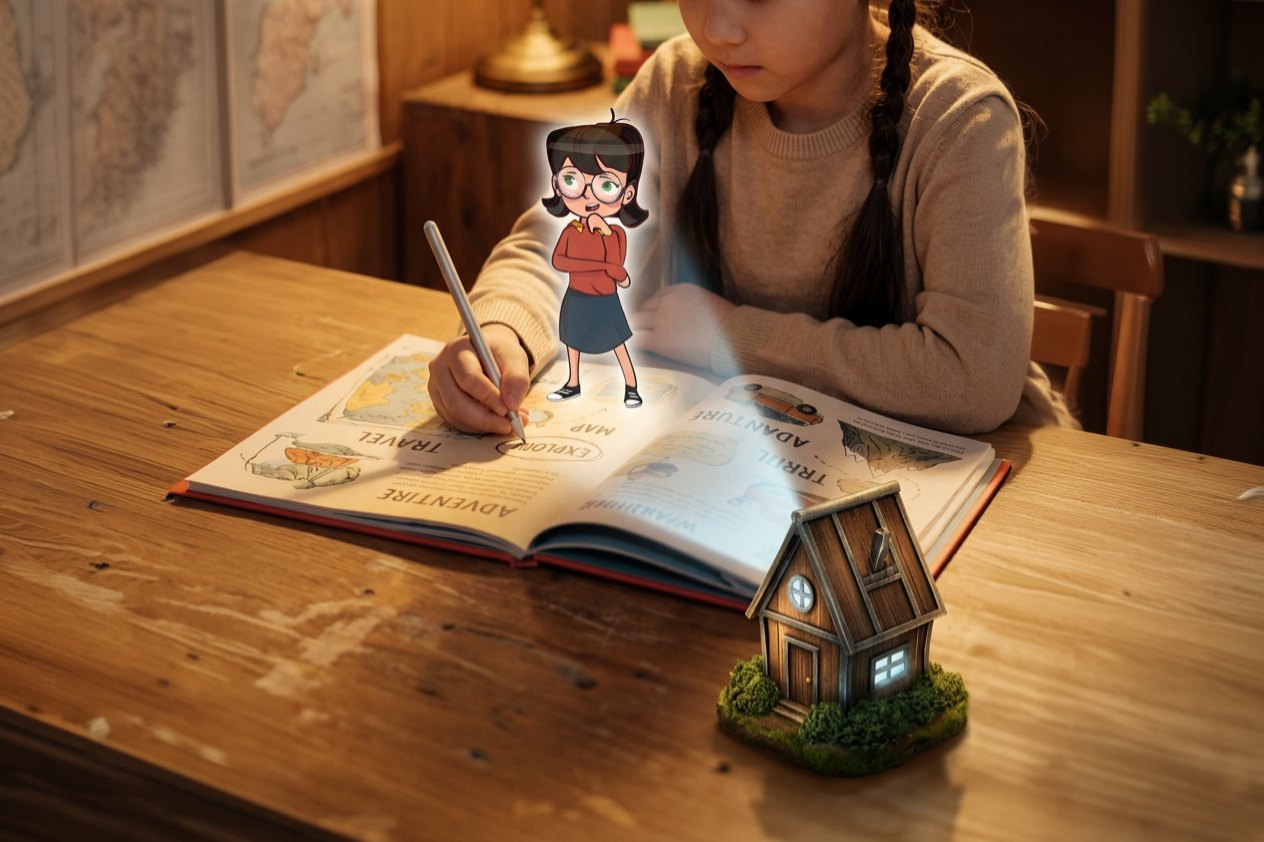

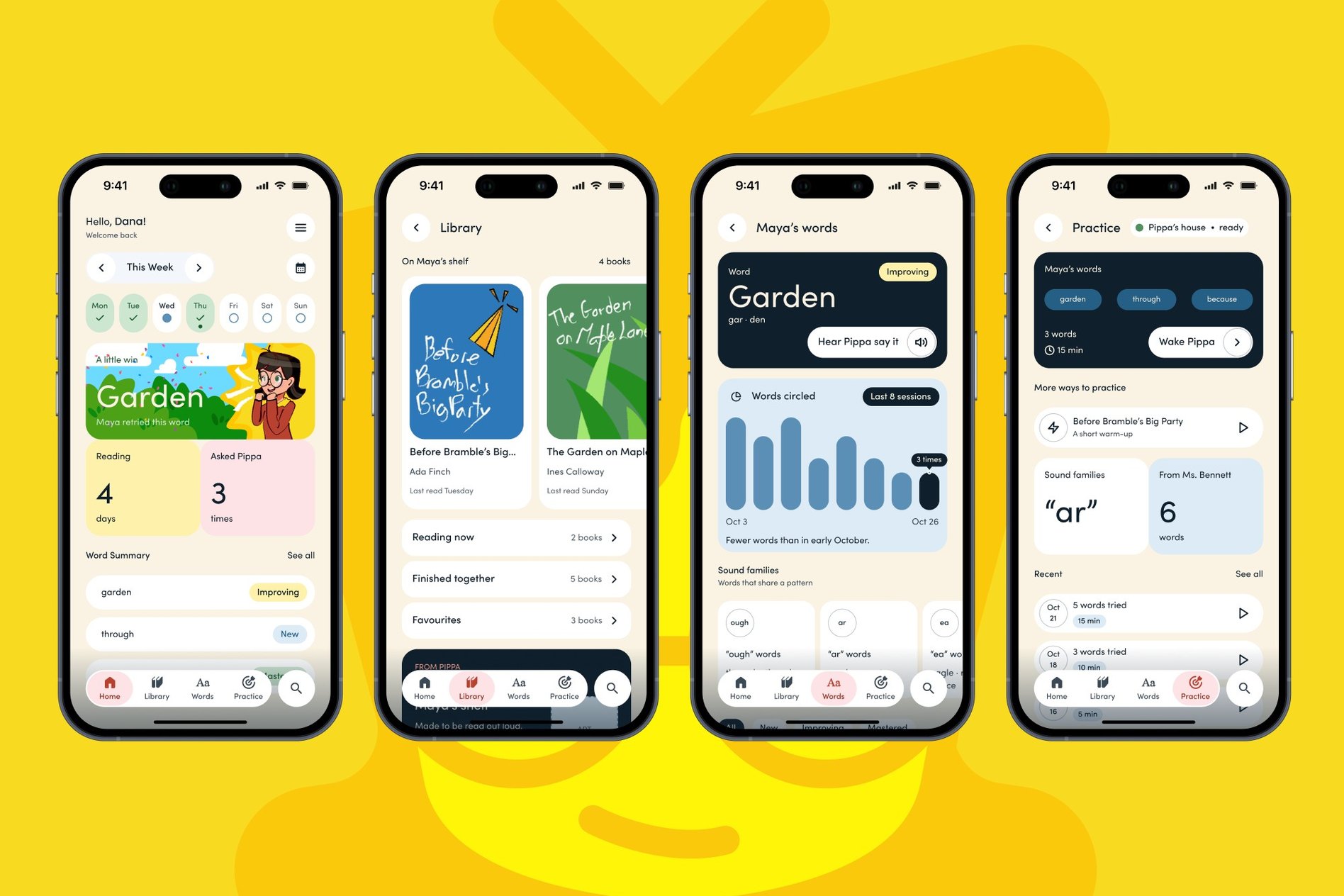
AI-generated mockup
01 / 04
The house
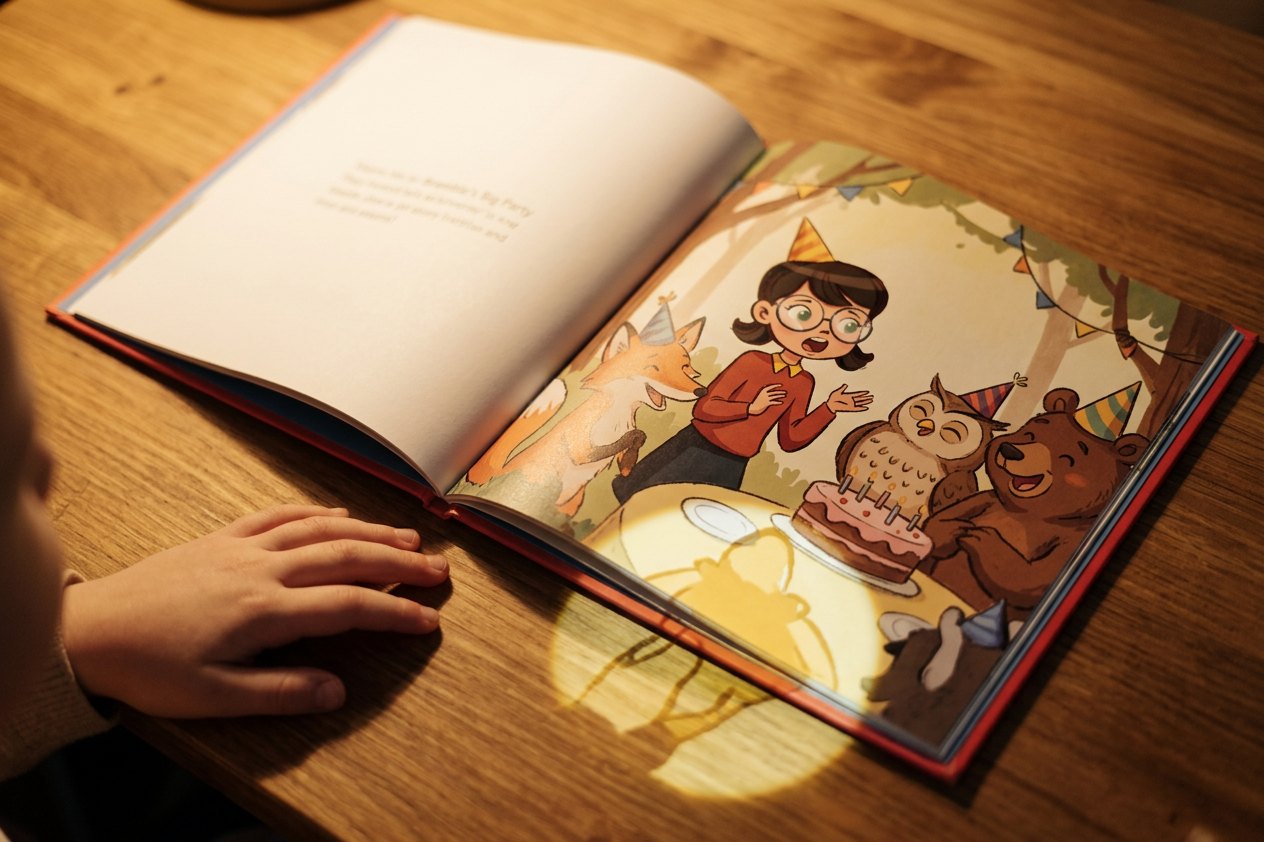
Sits on the desk and projects Pippa onto the page.
A hard word, in four beats
01
Circle it.
02
Pippa sounds it out.
03
Maya tries again.
04
Pippa celebrates.
Connected
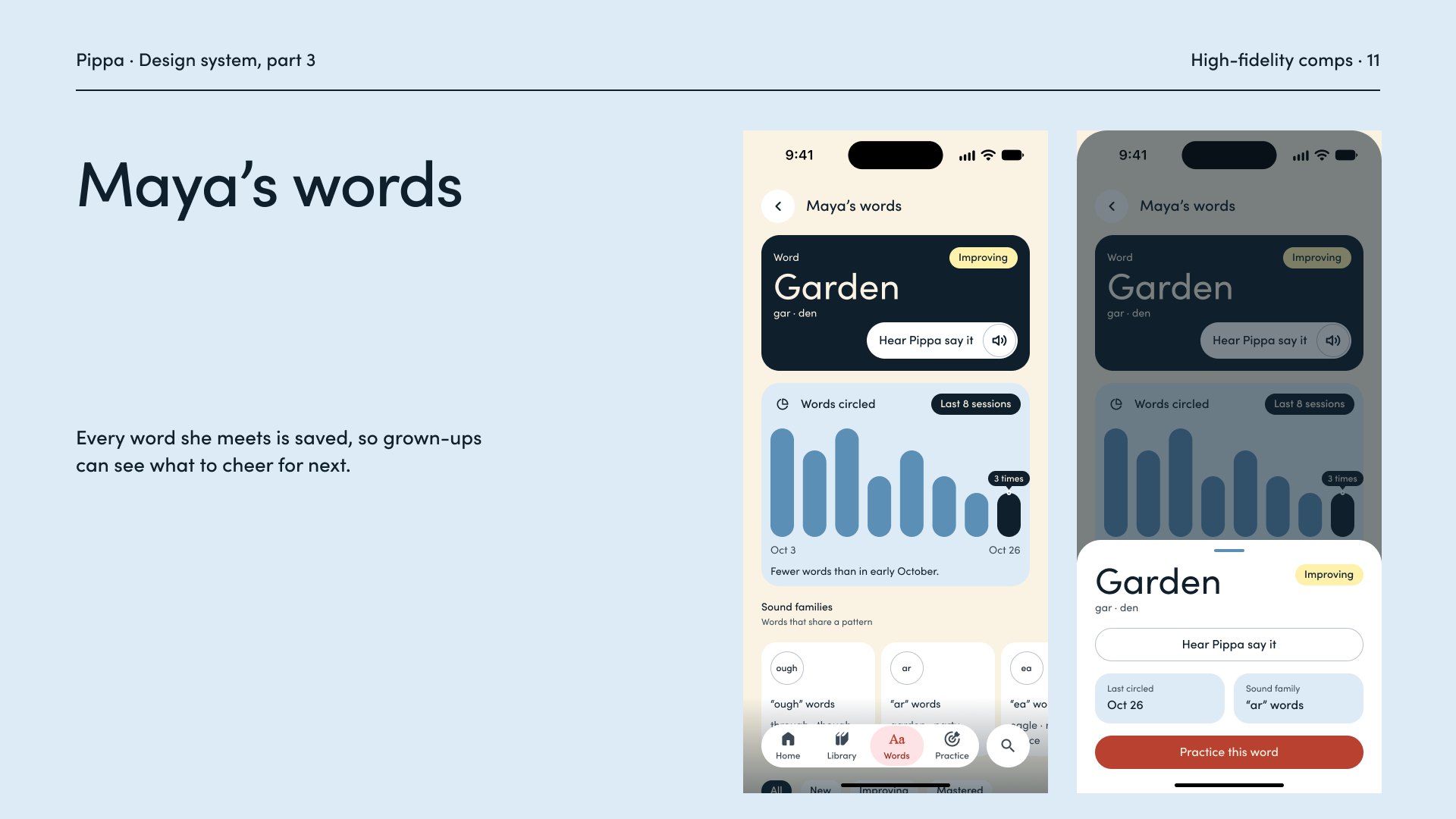
Every circled word lands in the Words tab for Dana, and reaches Ms. Bennett only if the family chooses to share.
Design system
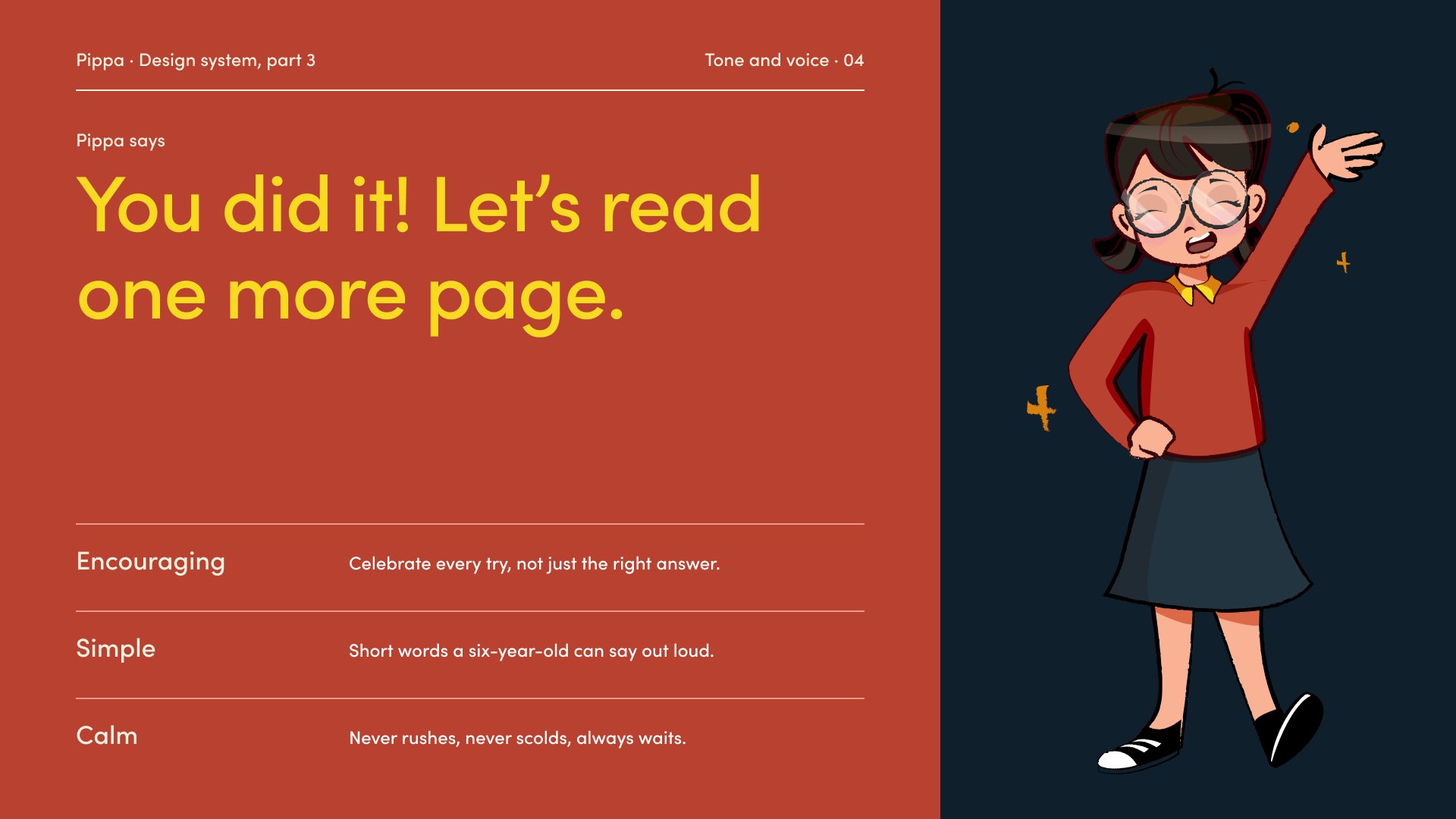
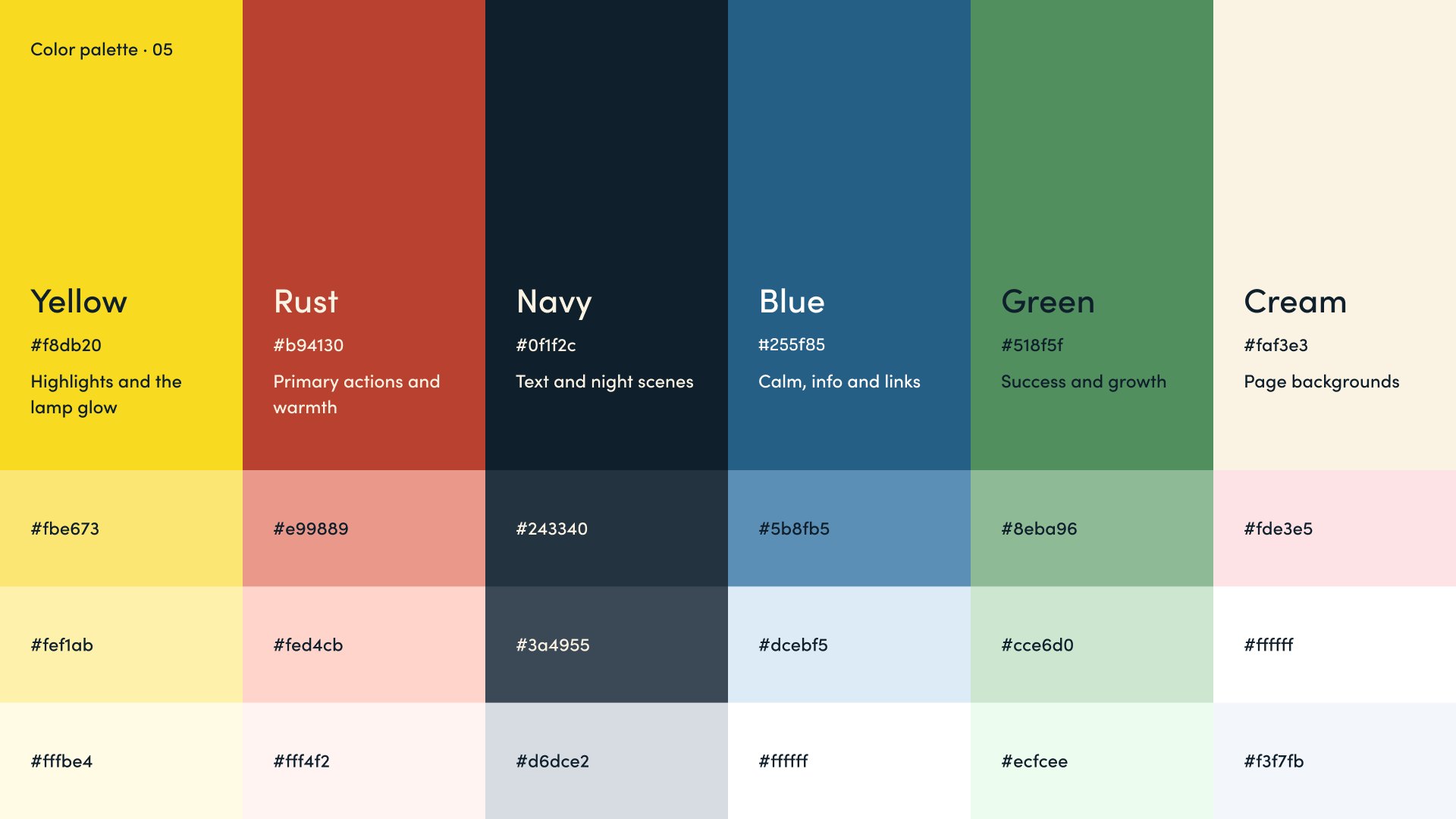
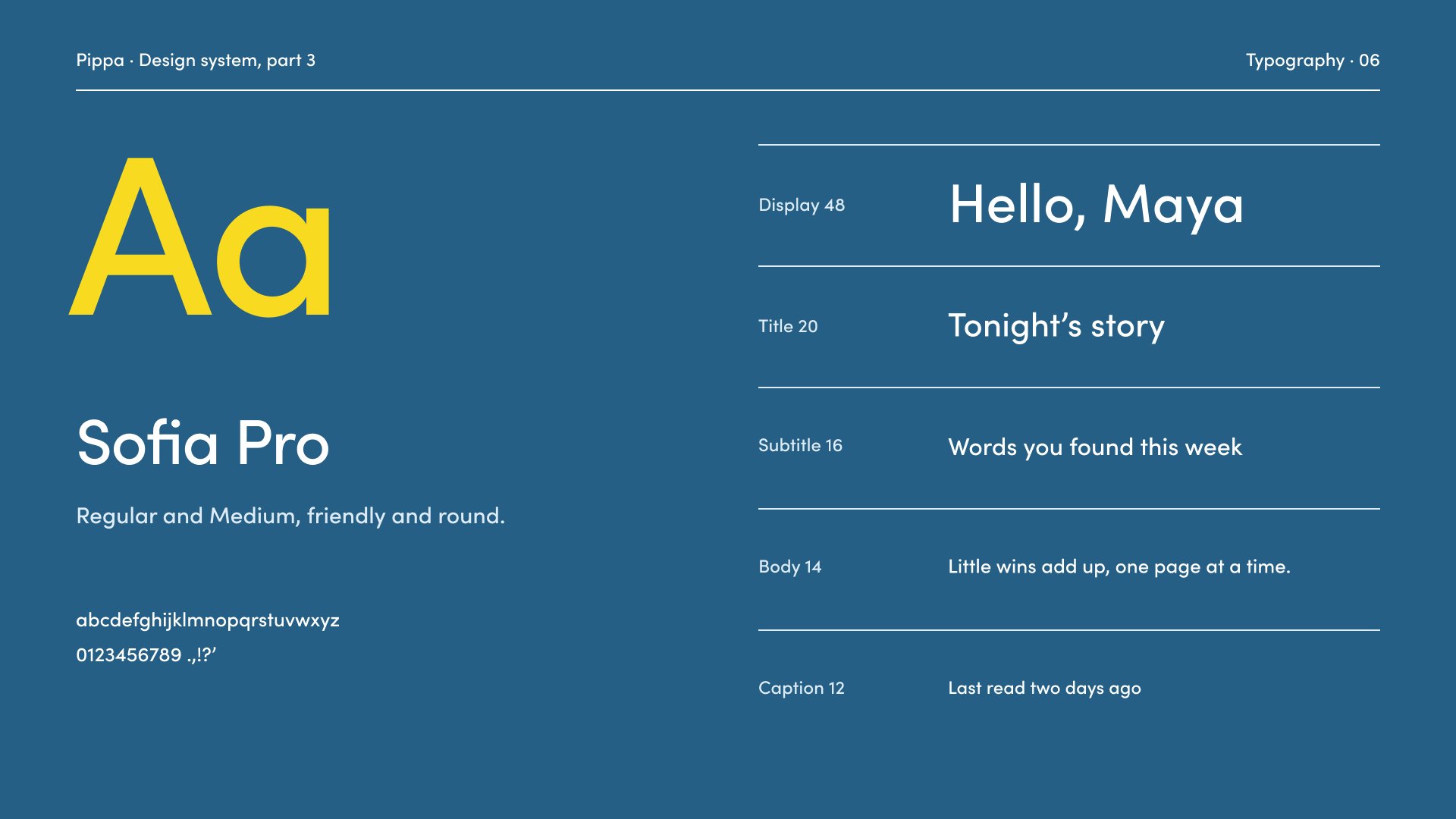
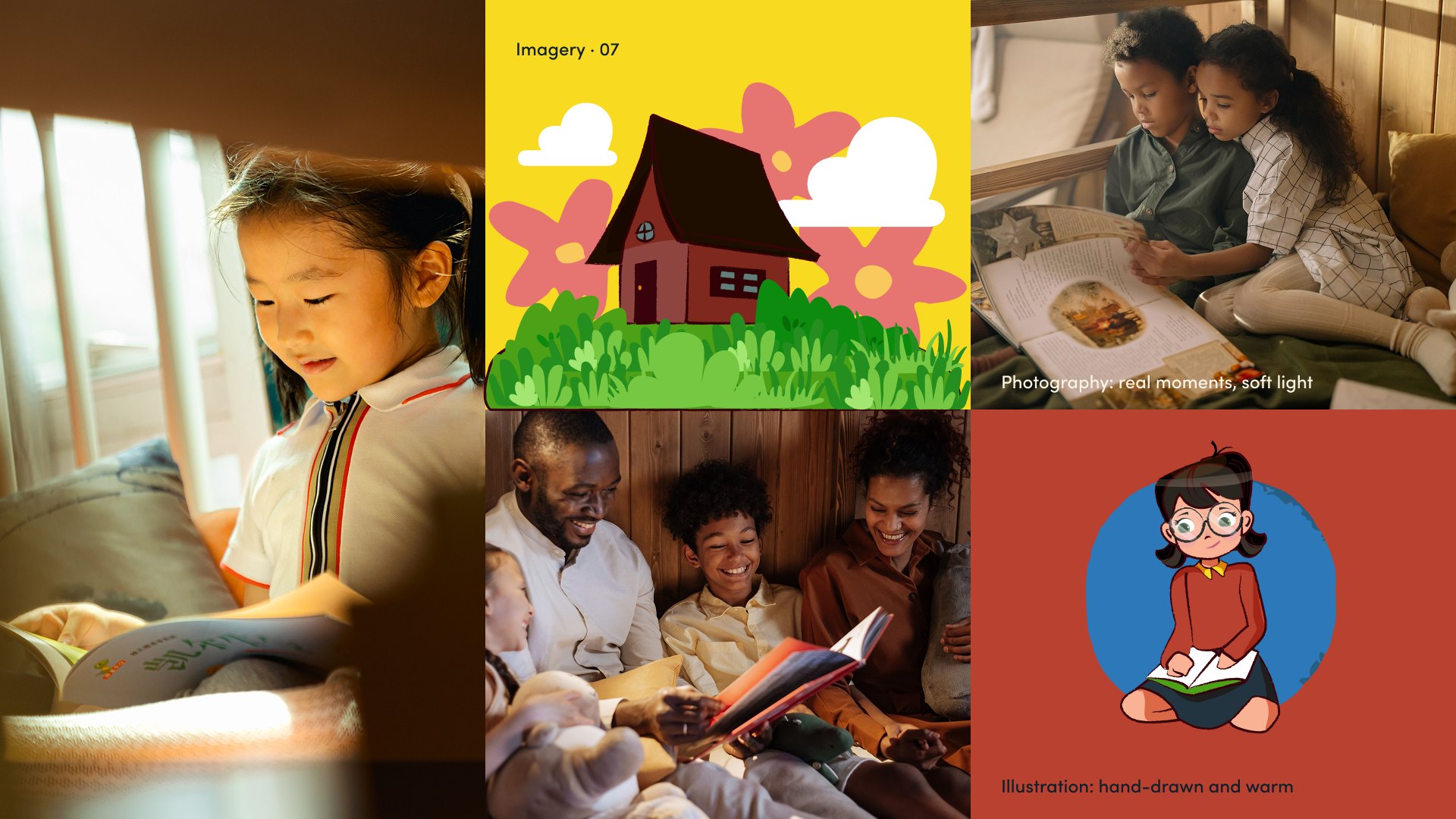
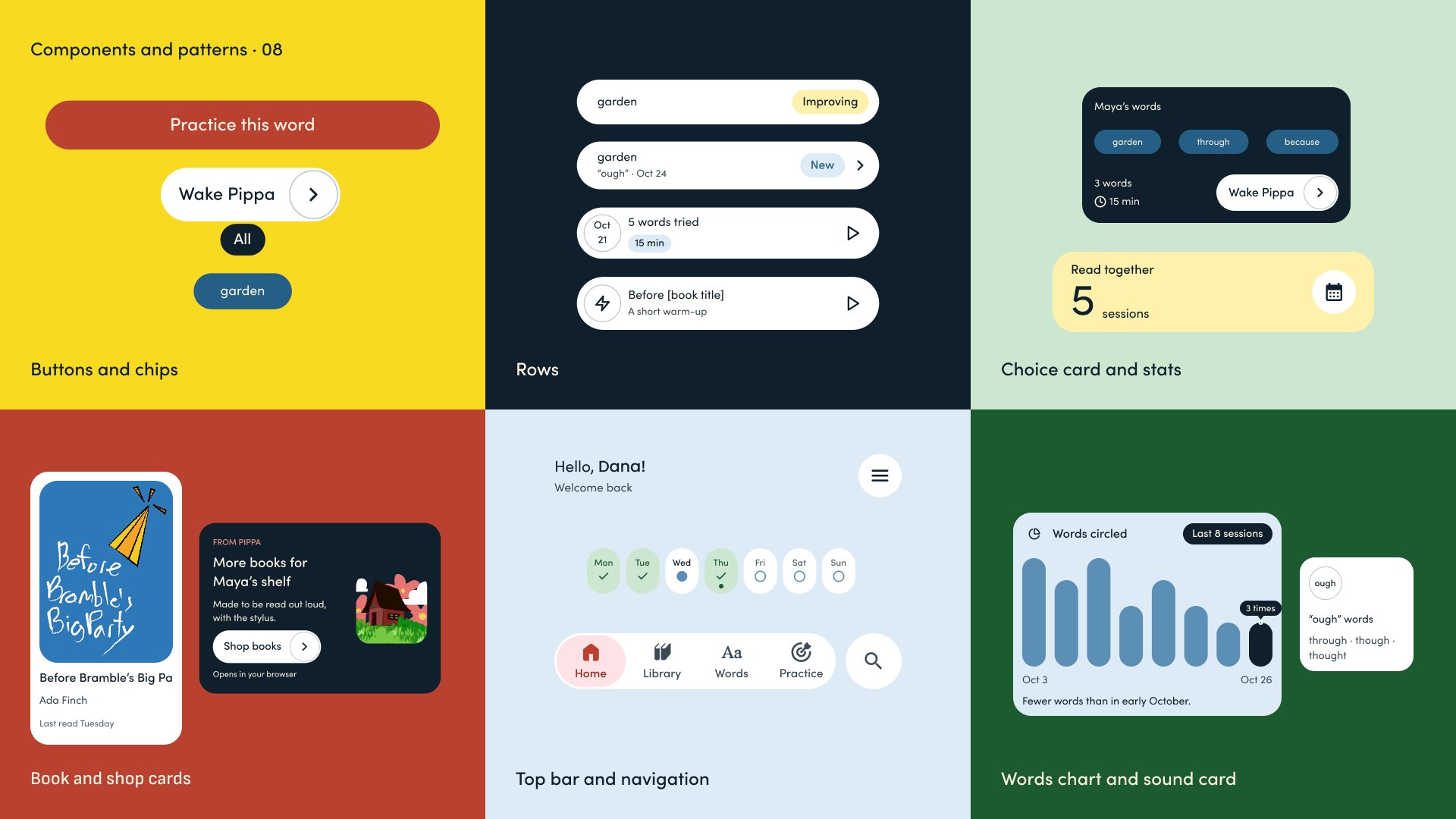
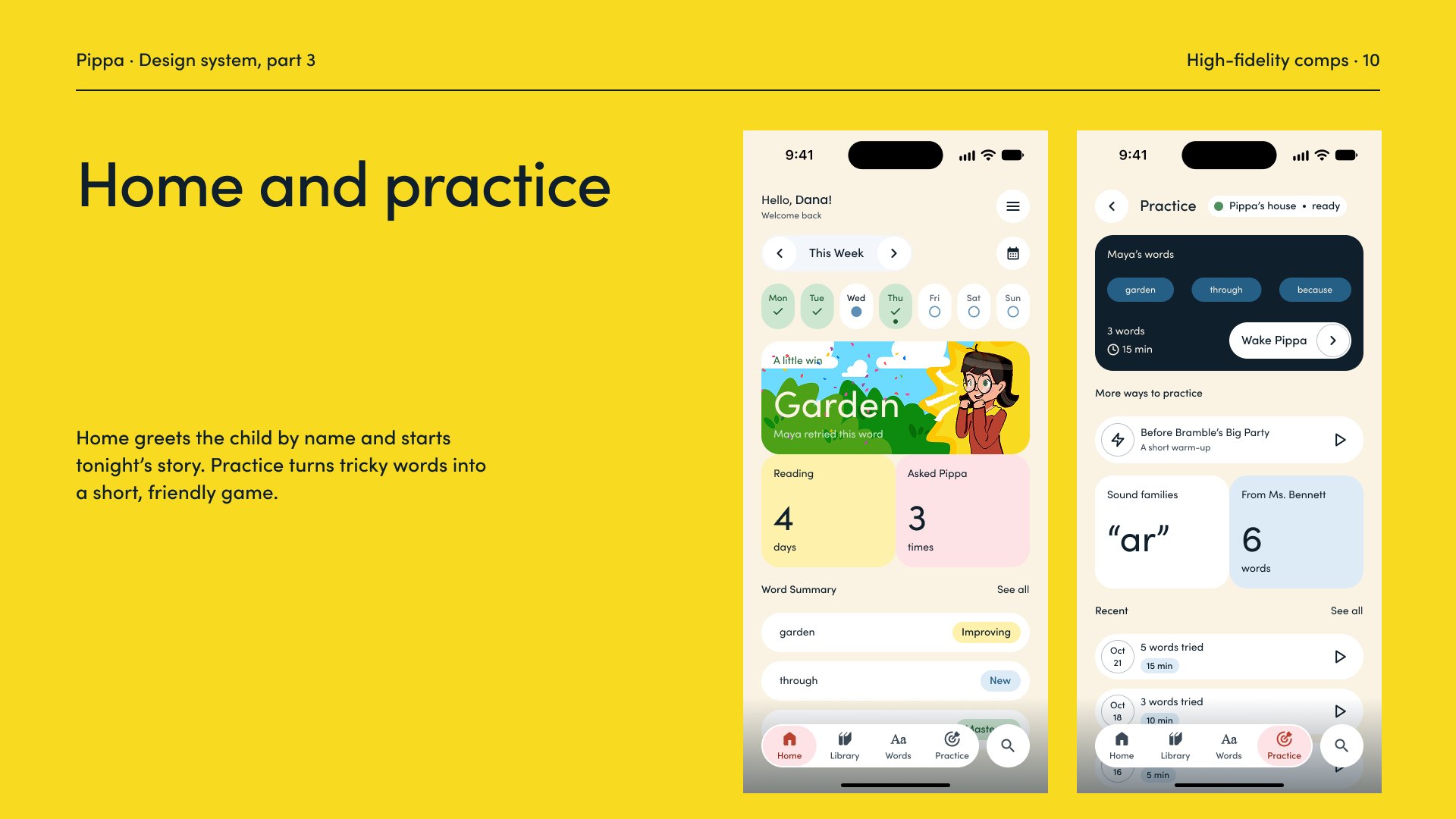
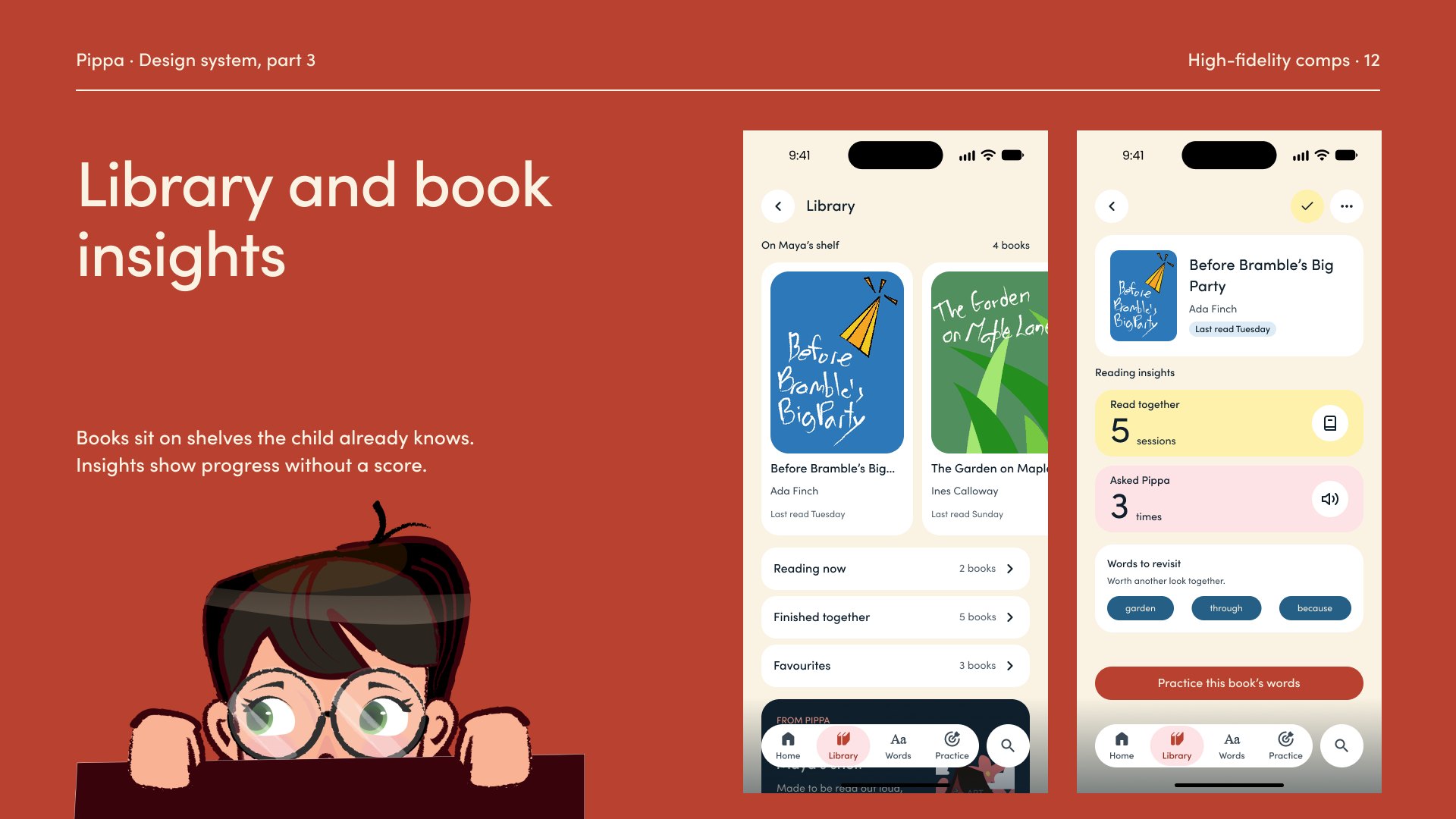
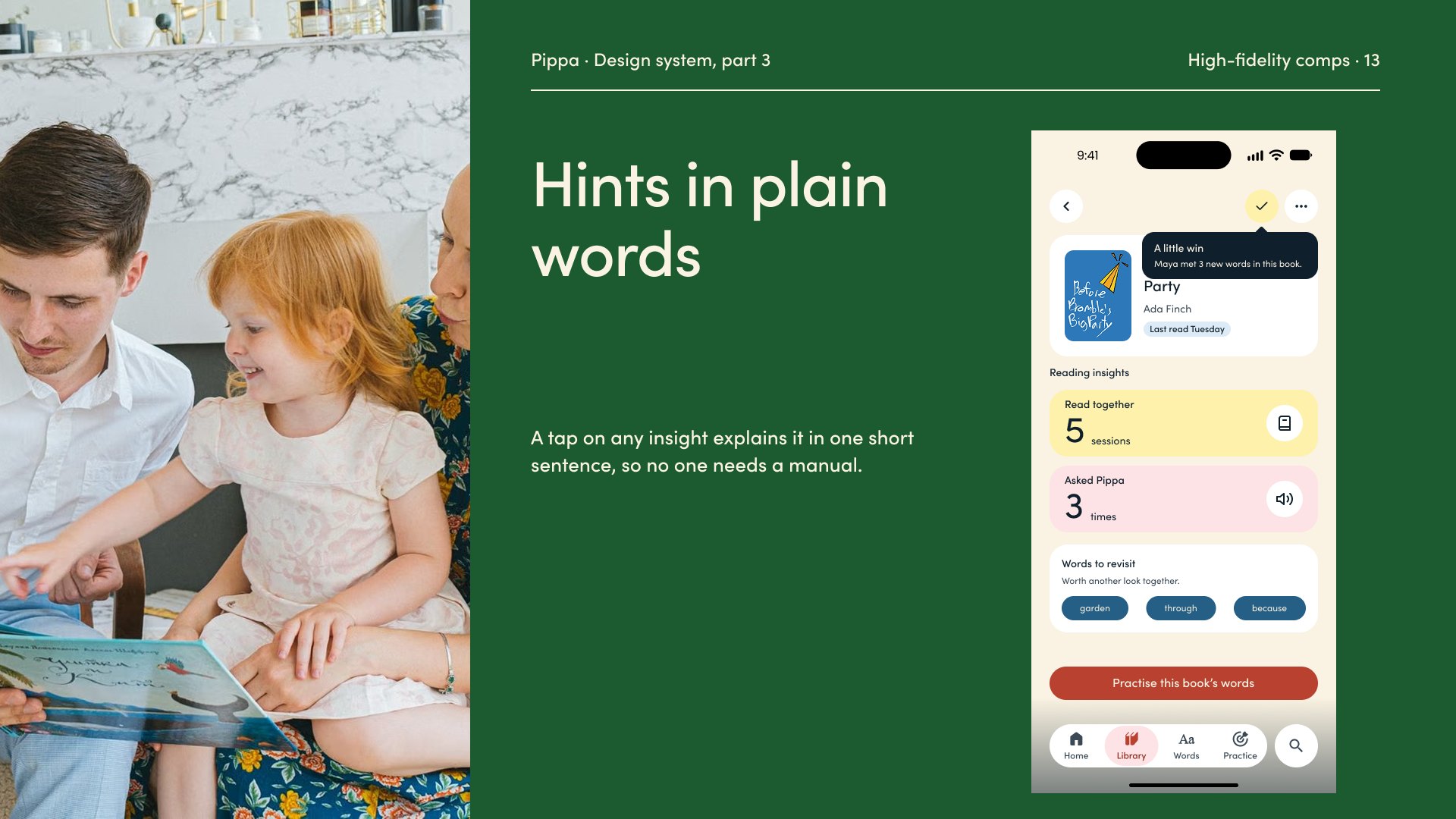
I drew the character, her poses and the scenes she lives in, then built the product around that warmth. The design system covers brand, logo, tone, colour, type, imagery, components and the core screens.
Screens
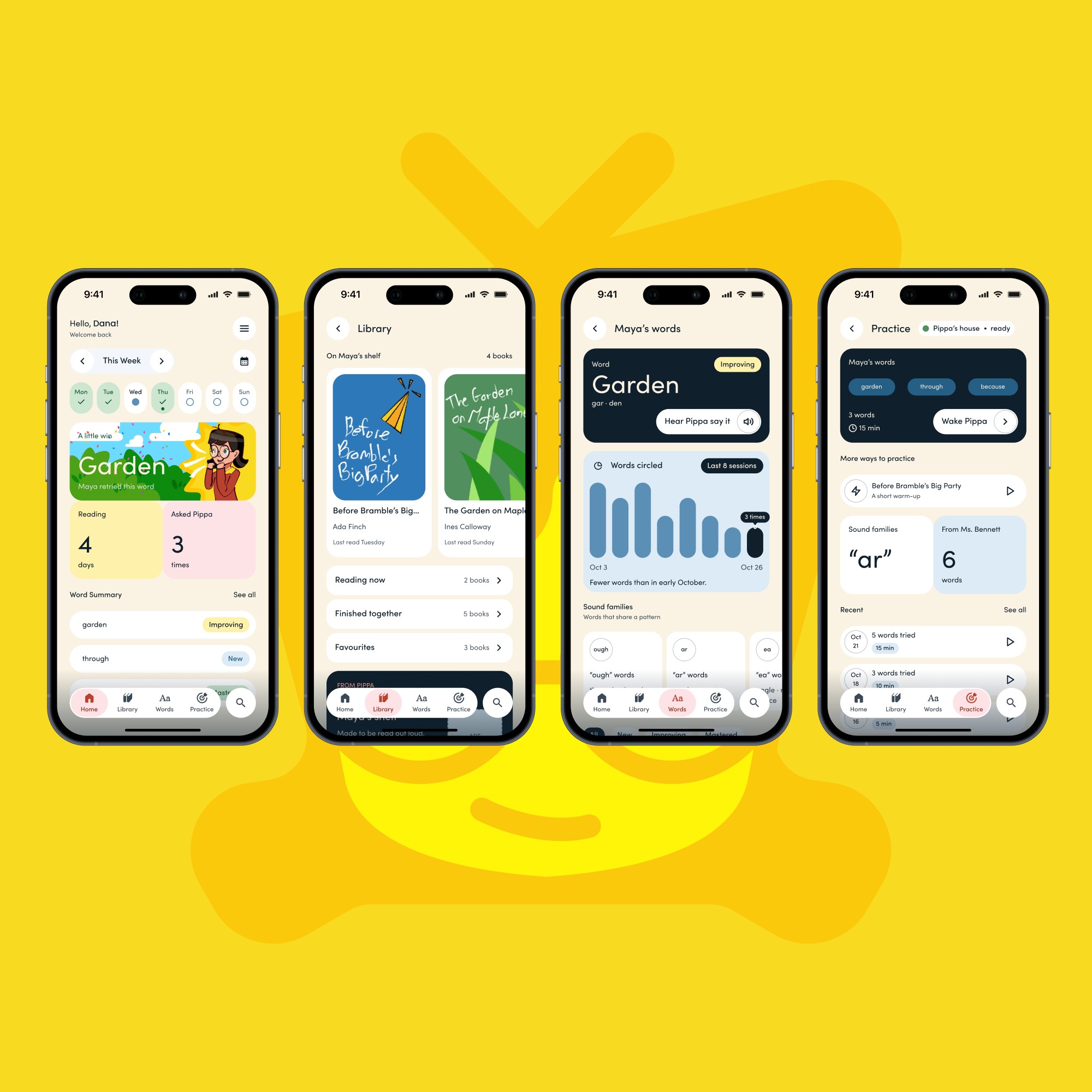
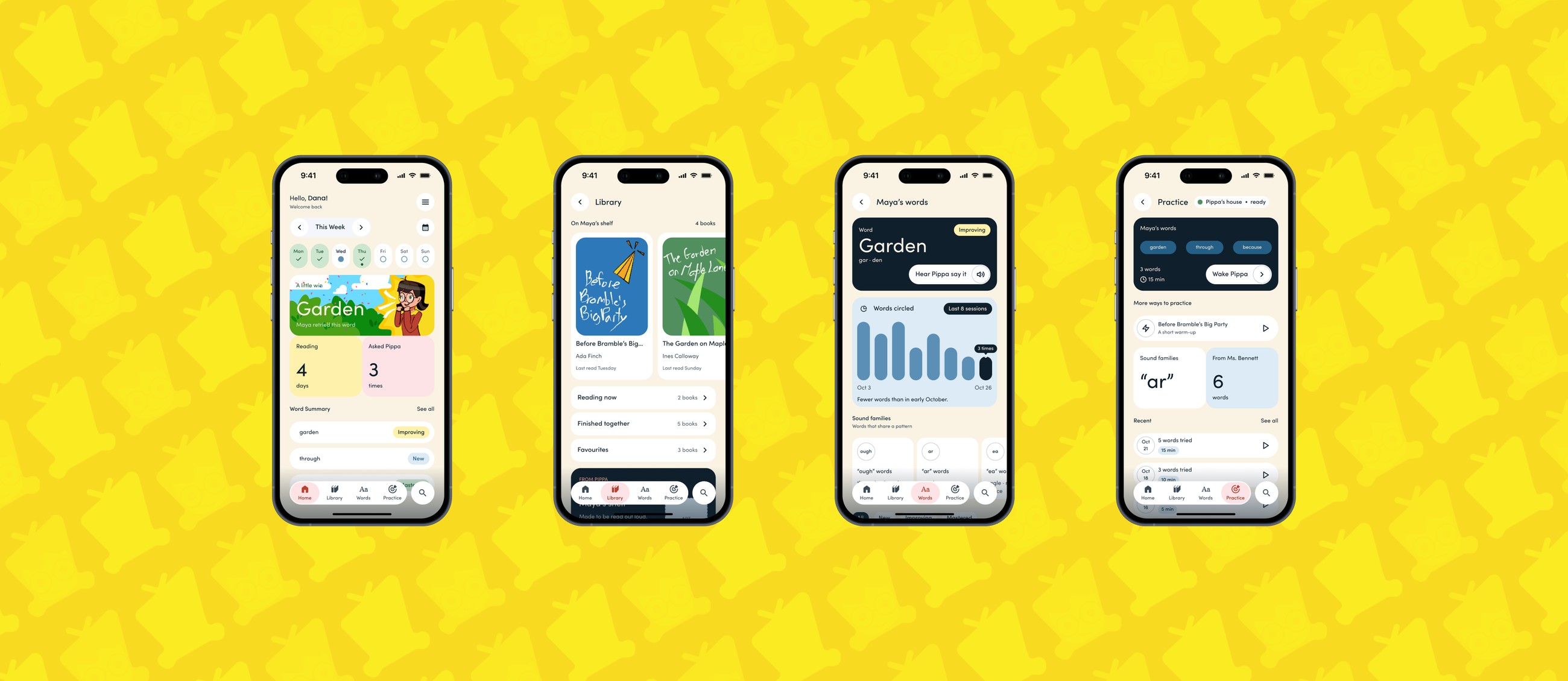
It is the screen a caregiver sees most. From there: Library, Maya’s words, and Practice.
Walkthroughs
First launch. Pairing hardware can make a busy parent quit before the first reading moment. So setup is short steps, one action each, with sharing off by default and a calm “Set up later” on the pairing steps.
Weekly check-in. Dana does not know where her child gets stuck, and she feels guilty about the nights she cannot read. The summary opens on a win, shows real words, and ends on one clear action.
Starting again. After a gap, catching up feels like failing. Pippa has no streaks and no missed days. A quiet week gets a calm message, one easy set, and a little win.
01 / 05
First launch. Dana picks Parent, creates an account, pairs Pippa’s house and the stylus, adds Maya’s first book and chooses who sees her wins. Six short steps, one action each.
Outcome
Maya circles the word instead of quitting. Dana sees a win instead of feeling guilty. Ms. Bennett sees patterns across the class, with the family’s permission.
Pippa has not been tested with families yet. Success would show up as retry versus quit at flagged words, independent reading sessions logged, and Dana’s own comfort and guilt rating.
Why Pippa
Other tools are passive, stuck on a screen, or tell one fixed story. Pippa coaches the real book a child already owns, in the moment, and keeps the parent in the loop.